The Secret Tunnel: Accessing Production DBs Without Exposing Ports

You're debugging a critical bug in the Example App. You need to see the raw data in the sale table to understand why the totals aren't adding up.
You fire up TablePlus or DBeaver, but you hit a wall. The database is (rightfully) in a private network.
How do you get in?
Do you temporarily open port 3306 to the world? Dangerous. Do you deploy a VPN server just for this? Expensive.
The answer is an SSH Tunnel.
The Pain: The "Bastion Host" Maintenance
Traditionally, to access a private database, you'd set up a "Jump Box" or "Bastion Host"—a tiny Linux server that sits on the edge of your network.
You'd have to:
- Provision an EC2/Droplet.
- Harden the OS (updates, fail2ban).
- Manage SSH keys for every developer.
- Run a command like:
ssh -L 3306:private-db-host:3306 user@bastion-host
It's another server to pay for, patch, and worry about.
The Solution: Built-in SSH Gateways
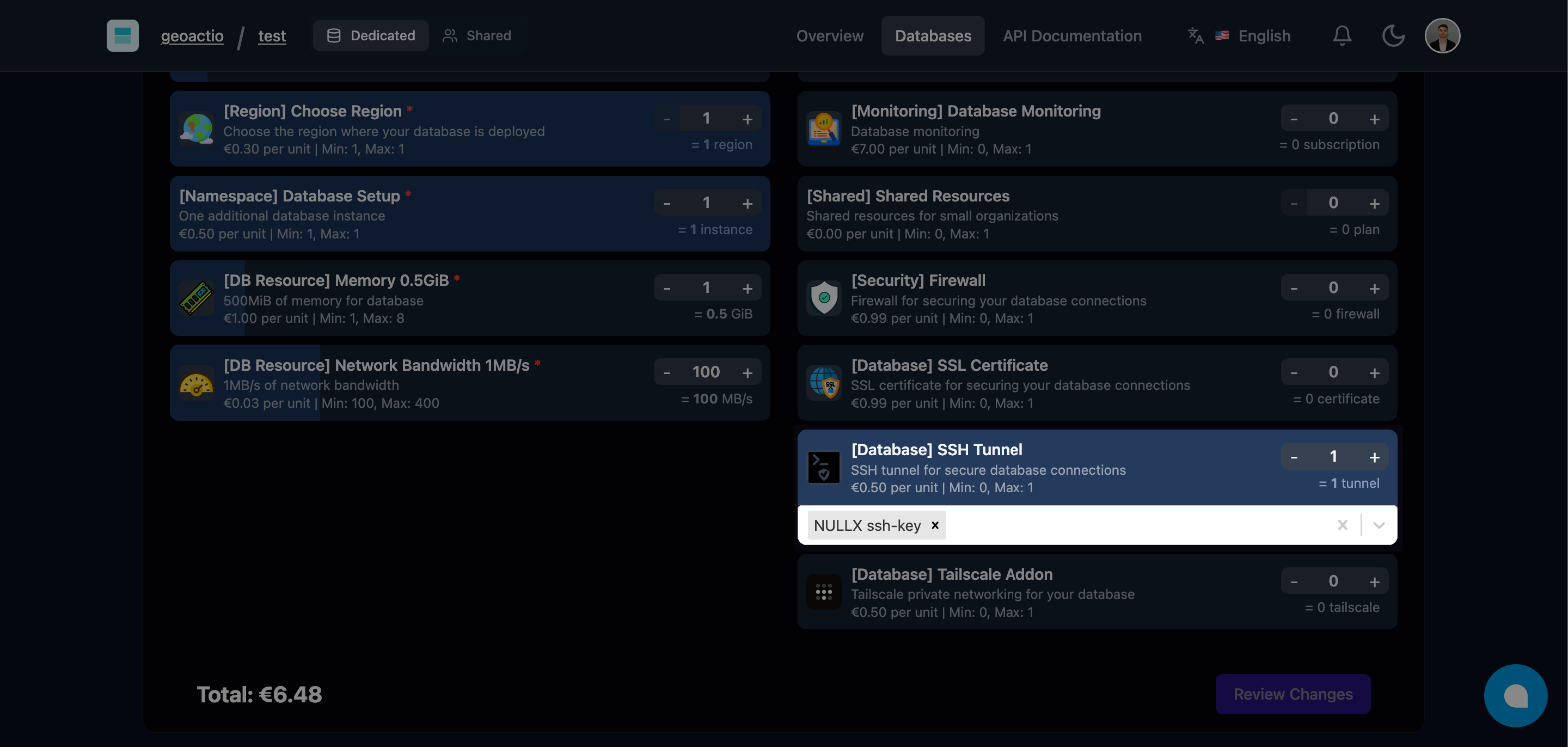
Filess.io gives you a managed Bastion Host for free with every database.
- Go to your database Settings.
- Add your Public SSH Key.
- Copy the connection string.
Connecting with TablePlus / DBeaver
You don't even need the command line. Most SQL clients support SSH tunneling natively.
- Host:
127.0.0.1 - Port:
3306 - SSH Host:
ssh.filess.io - SSH User:
filess - SSH Key: Select your private key file.
Click Connect, and you're in. It feels like the database is running on your laptop, but all traffic is securely encrypted through the tunnel.
The Command Line Way
If you prefer the terminal, it's just one command:
# Forward remote port 3306 to local port 3307
ssh -N -L 3307:db-endpoint:3306 [email protected] -i ~/.ssh/id_rsa
Now you can run your app locally against production data (carefully!):
DATABASE_URL="mysql://user:[email protected]:3307/filess_example" npm start
Why It's Secure
- Encrypted: All traffic is wrapped in SSH encryption.
- Key-Based: No passwords to brute force. Only holders of the private key can enter.
- No Public Ports: Your database port
3306remains closed to the internet. The only entry point is the hardened SSH gateway.
Security Best Practices
- Use Passphrases: Protect your local private SSH keys with a passphrase.
- Rotate Keys: Remove old keys from the Filess dashboard when developers leave.
- Read-Only Users: When debugging, log in with a read-only database user to avoid accidental
DELETEs.
Get secure access without the hassle.